
OCMedic for iOS
Your next destination.
Closer at hand.
Field response support, built for iPhone.
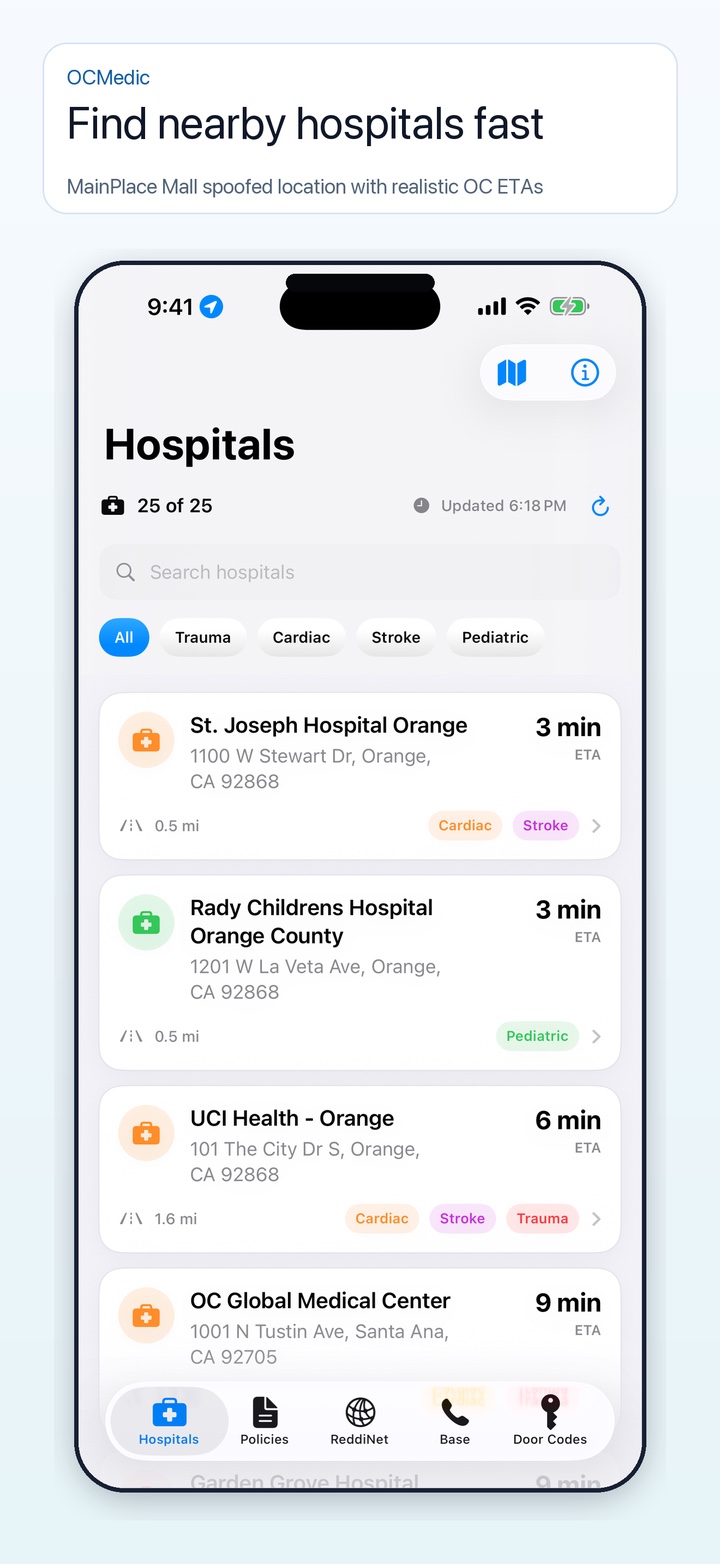
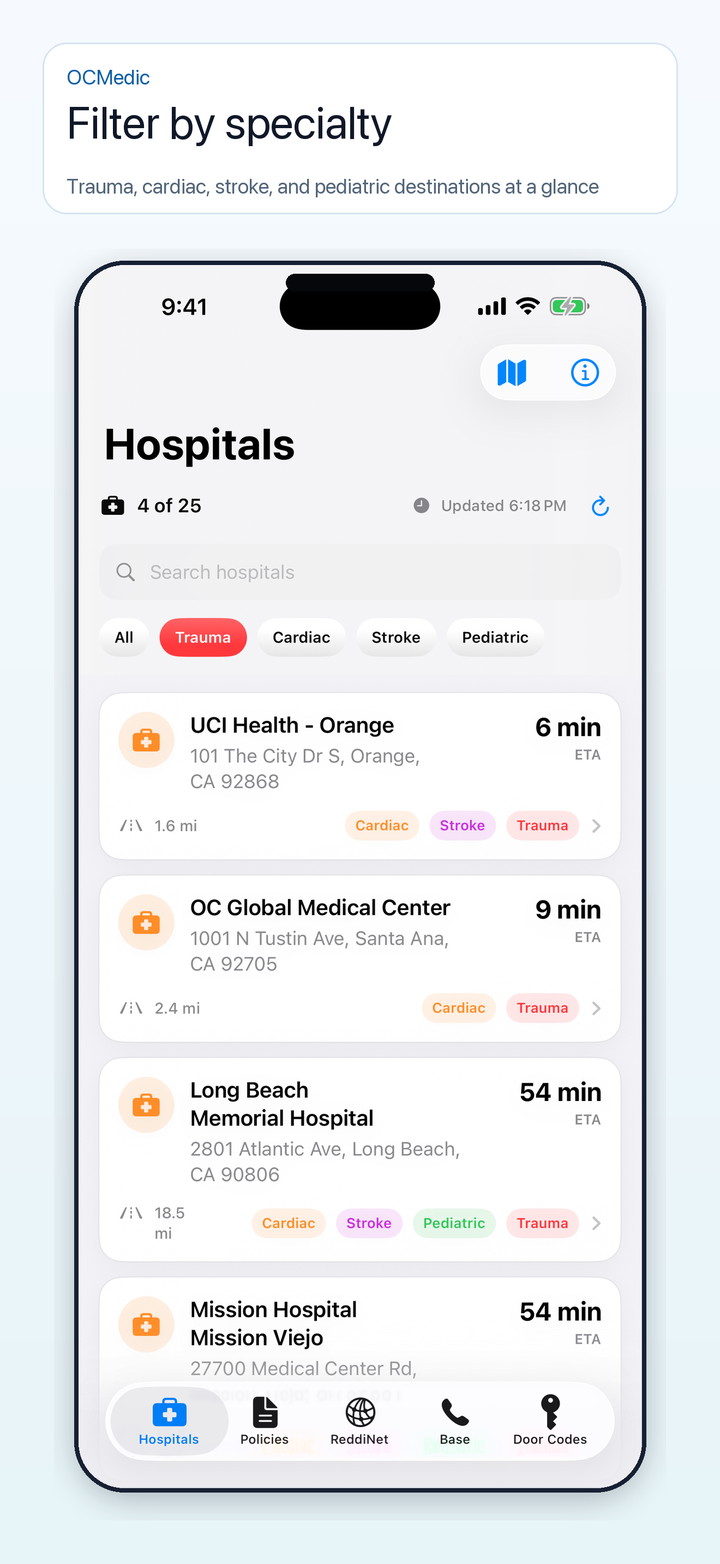
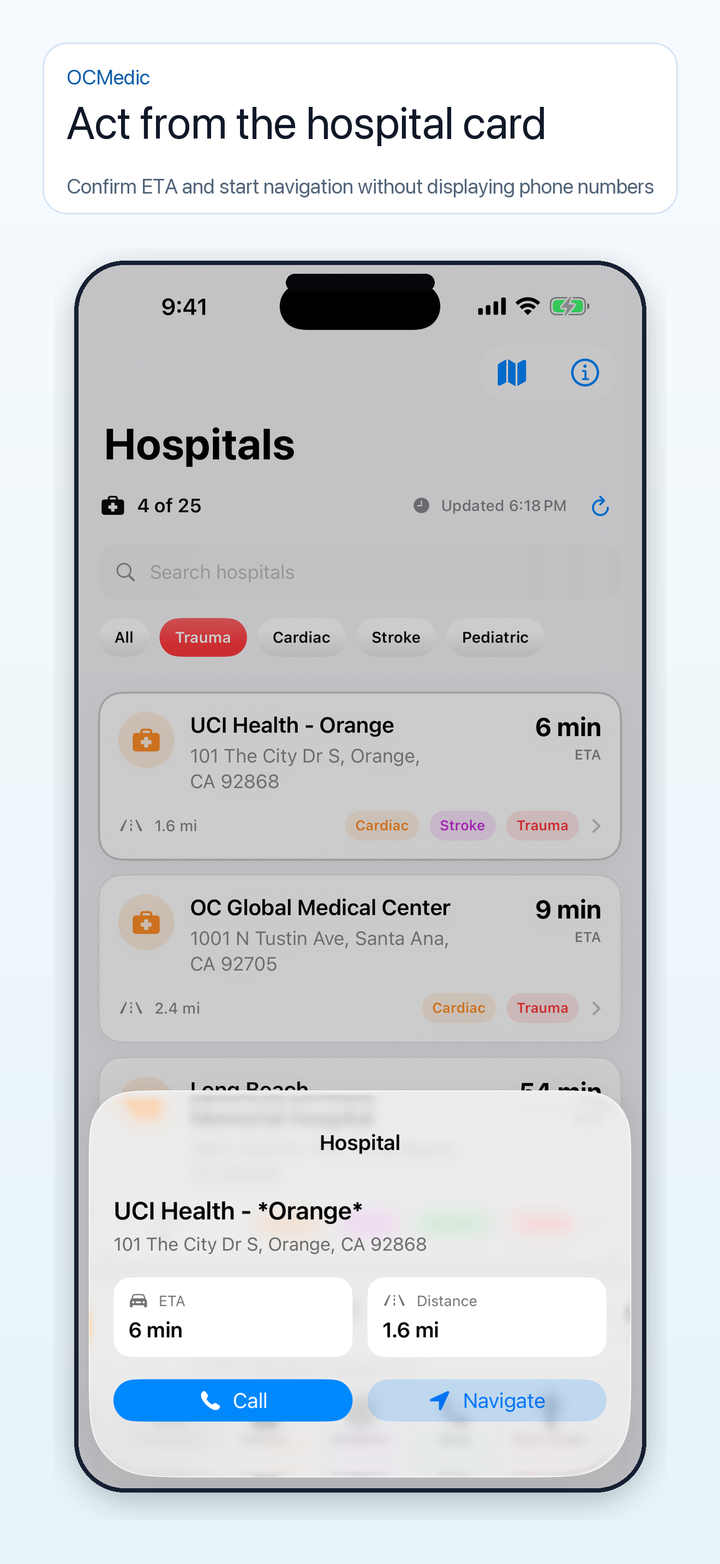
Find nearby hospitals, filter specialty capabilities, open routing and phone contacts, and keep favorite facilities close.
View on the App Store
Built for Orange County crews
Local knowledge. A stronger crew.
OCMedic began with a practical need on shift. When difficulty finding the right hospital delayed patient care, it became clear that crews needed a simpler way to navigate Orange County. The app was built to put local hospital information within reach.
OCMedic brings hospital locations, destination tools and local resources together to help EMT and paramedic partners build familiarity, prepare together and work with confidence.
Know your next destination
Find nearby hospitals, filter trauma, cardiac, stroke and pediatric capabilities, and open routing or phone contacts. Keep favorite facilities close. Widgets and Live Activities bring selected hospital information and ETA into view.
Keep your reference nearby
Read clinical guides with tables and diagrams, and access the OCEMS policy library. Cached guides help when connectivity is interrupted; download and check the resources you need before your shift. Confirm current policy when using saved content.
Made for iPhone
Keep local guides and destination tools close at hand. Visit the App Store for current device compatibility and download details.
Practical tools, clear limits
Travel times are ordinary-vehicle estimates, not emergency-response routing. OCMedic is an independent reference; use current OCEMS policies, medical direction and agency procedures.
Restricted facility access
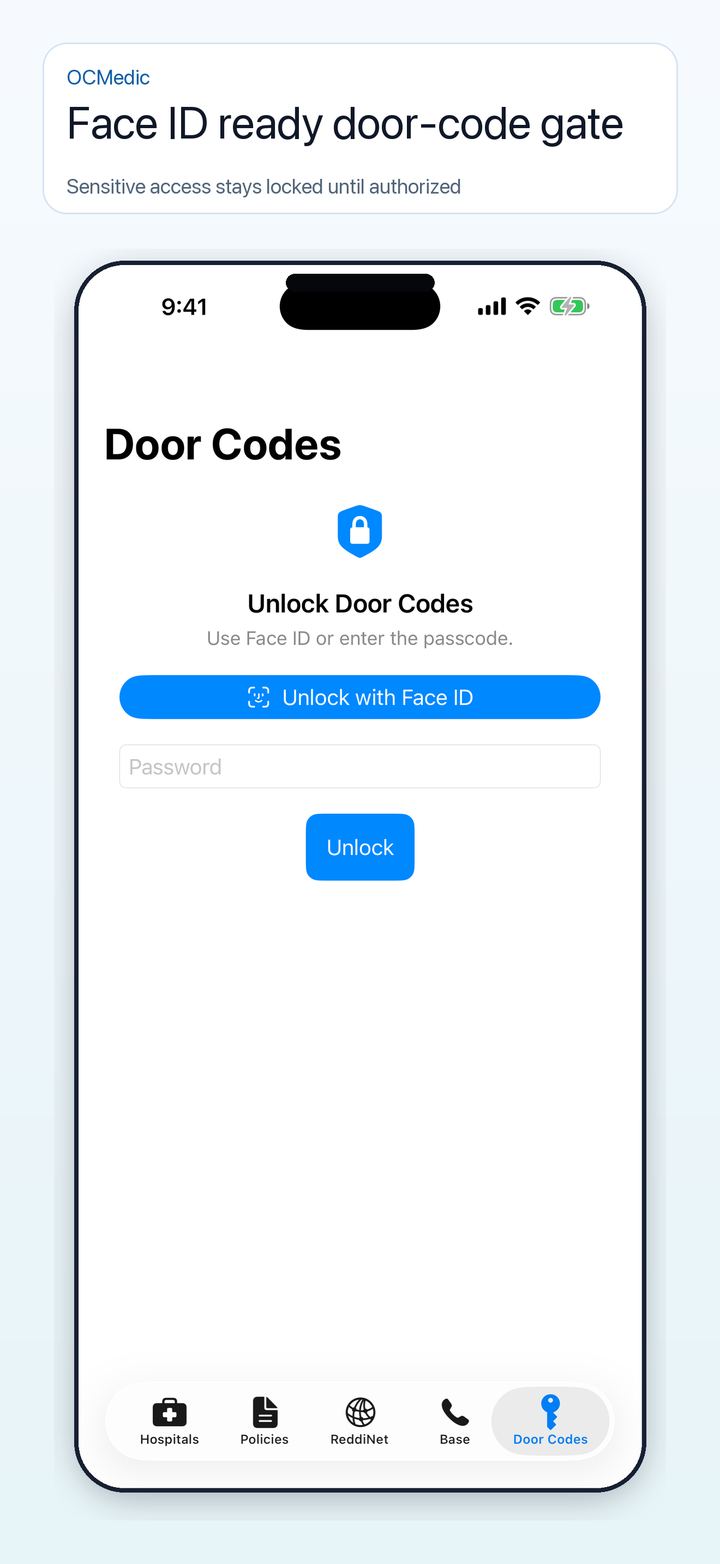
Facility access information is for authorized personnel. Buying the app does not grant access to facilities or eligibility for protected door codes. Follow facility and agency rules. See how to request protected access.
Protected access · Coming in the next update
Request access. Get approved. Unlock securely.
Hospital tools and field guides remain available without Door Codes approval. Protected facility information is for authorized personnel. The upcoming OCMedic 2.3.1 update requires administrator approval for Door Codes, including for people who previously used the shared passcode.
1. Request from your iPhone
Open Door Codes and choose Request Access. Enter your full name, EMT or paramedic number, and employer. You may include your current area to help review whether you are in or around Orange County. This shares one approximate location when you submit; it is optional, and you can still request manual review if you decline or are outside the area. Confirm that your professional details are accurate and belong to you, then submit. You can continue using the rest of OCMedic while your request is reviewed.
2. Watch for your approval
An OCMedic administrator reviews your professional details. If notifications are enabled, your phone receives an approval notice. You can also return to Door Codes to check your request; notifications are optional.
3. Unlock on the approved phone
Tap the approval notice or open Door Codes, then use Face ID, Touch ID, or your device passcode. The shared OCMedic passcode is no longer accepted in this update. Door Codes locks when you leave the app.
Stay ready offline
After approval, connect once to securely download door codes to your phone. Saved door codes and approved access remain available offline for up to seven days. Connect periodically to renew it. Access can be revoked; a phone checks the decision when online, or locks when its saved approval expires.
Your details and your choices
OCMedic retains your submitted name, professional number, employer, your attestation and its date, any approximate location you choose to submit with its capture time and accuracy, and request and decision history in an administrator access register, including after access ends. Withdrawing access does not delete that record. Read the privacy policy, or contact support for corrections or deletion requests.
Everyone using the updated app needs approval; knowing the old shared passcode does not grant access. Existing administrator approvals remain valid. If your installed version does not yet show Request Access, update when 2.3.1 is available or contact support. App approval does not grant permission to enter a facility; follow your employer’s and each facility’s rules.
A closer look
Made for the way you work.
Explore the OCMedic interface.
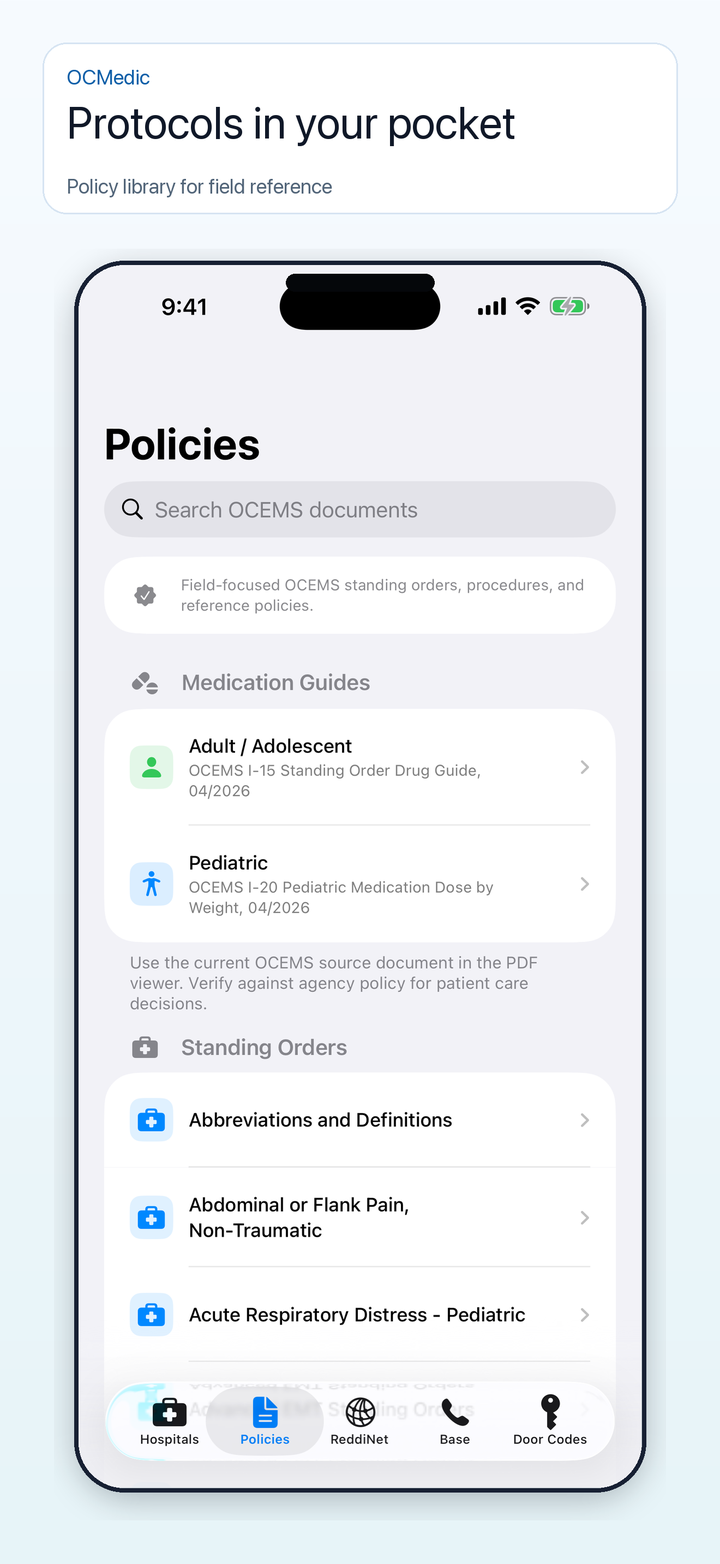
Built around the field.
Get to know OC Medic and explore the web reference.